CLI Guide
Complete guide to using the numistalib command-line interface.
Overview
The numistalib CLI provides access to all Numista API endpoints with a rich, user-friendly interface featuring:
Color-coded output with Rich theming
Table and panel display modes
Cache indicators (💾/🌐)
Consistent short/long option flags
Helpful error messages
Global Options
All commands support:
--help, -h      Show command help
--version       Show version information
Command Structure
numistalib <command> <subcommand> [options]
Available Commands
§ 1 Configuration Commands
Manage numistalib configuration.
List Configuration
numistalib config list
Displays all current settings including API key (masked), cache directory, rate limits, etc.
Get Single Value
numistalib config get <key>
Example:
numistalib config get cache_dir
§ 2 Types Commands
Search and retrieve coin/banknote/exonumia types.
Search Types
numistalib types search [OPTIONS]
Required: At least one of -q, --issuer, --catalogue, --year, or --date
Options:
-q, --query TEXT: Search keywords--issuer TEXT: Issuer code (e.g., “france”, “united-states”)--category TEXT: Category filter (coin,banknote,exonumia)--year TEXT: Year or range (e.g., “2020” or “2000-2010”)--catalogue INTEGER: Catalogue ID--number TEXT: Catalogue number (requires--catalogue)--ruler INTEGER: Ruler ID--material INTEGER: Material ID--date TEXT: Date or range--size TEXT: Size in mm or range--weight TEXT: Weight in grams or range--page INTEGER: Page number (default: 1)--count INTEGER: Results per page (default: 50, max: 50)--lang TEXT: Language (en,es,fr)-t, --table: Display results in table mode
Examples:
# Simple search
numistalib types search -q "dollar"

# Filter by country and year
numistalib types search --issuer france --year 2020

# Search commemorative coins
numistalib types search -q "commemorative" --category coin

# Search by catalogue reference
numistalib types search --catalogue 5 --number "KM#123"

# Table mode for compact display
numistalib types search -q "euro" -t
Get Type Details
numistalib types get <type_id> [OPTIONS]
Arguments:
type_id: Numista type ID (integer)
Options:
--lang TEXT: Language (en,es,fr)
Example:
numistalib types get 95420
numistalib types get 95420 --lang fr
Output Examples:
The command displays detailed specifications organized into sections:

Physical characteristics including dimensions, weight, composition, and shape.
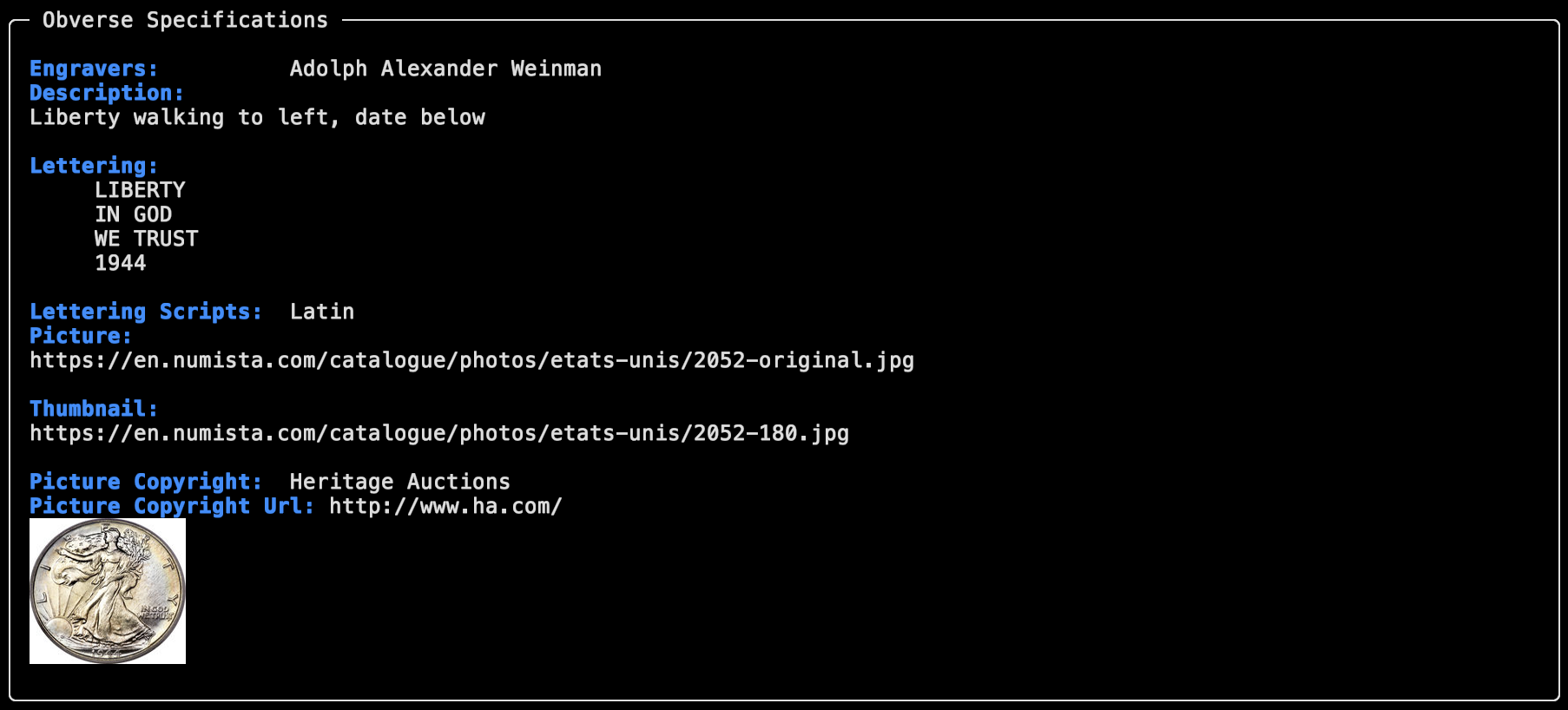
Obverse (front) design description and lettering.
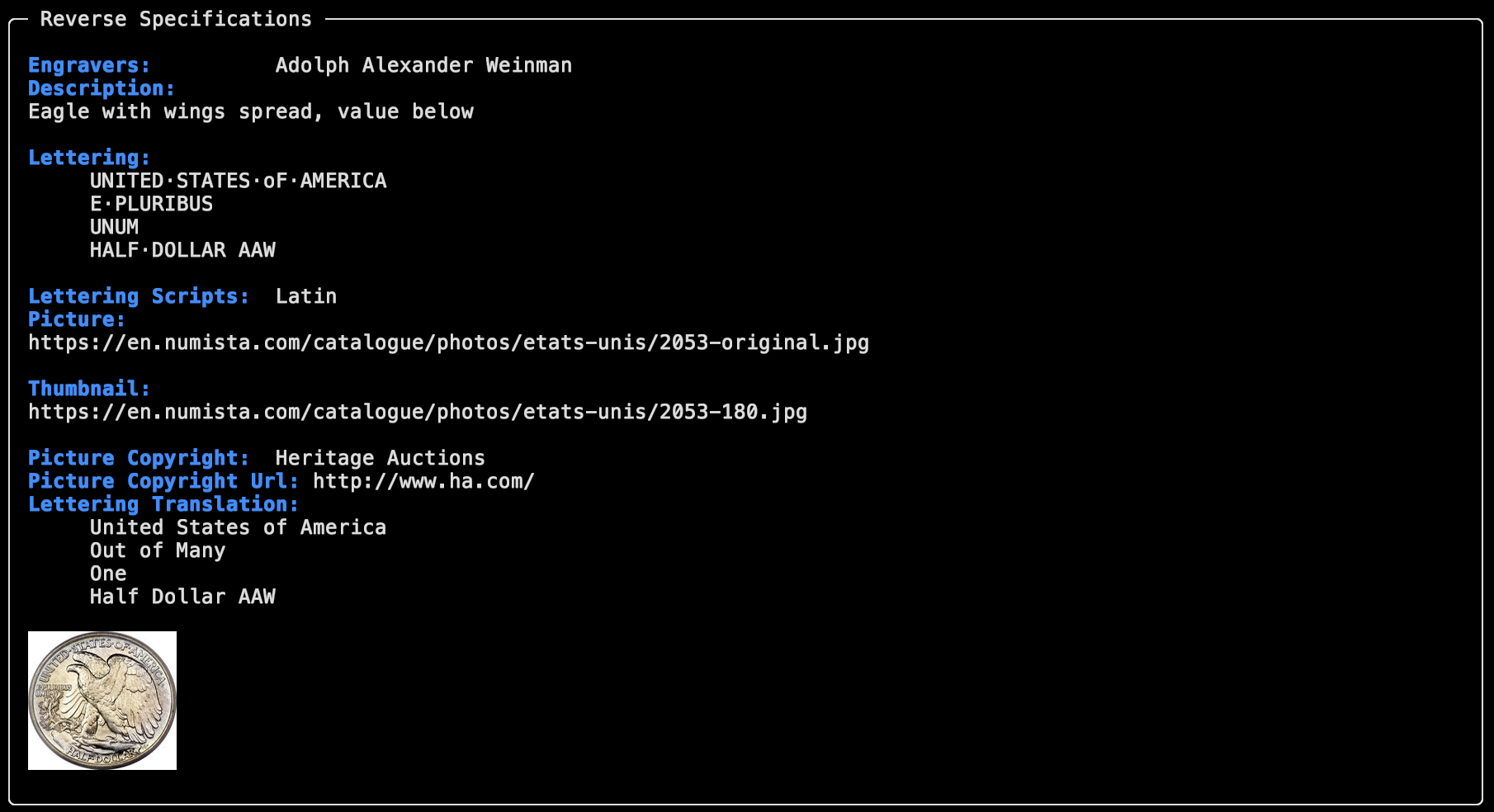
Reverse (back) design description and lettering.
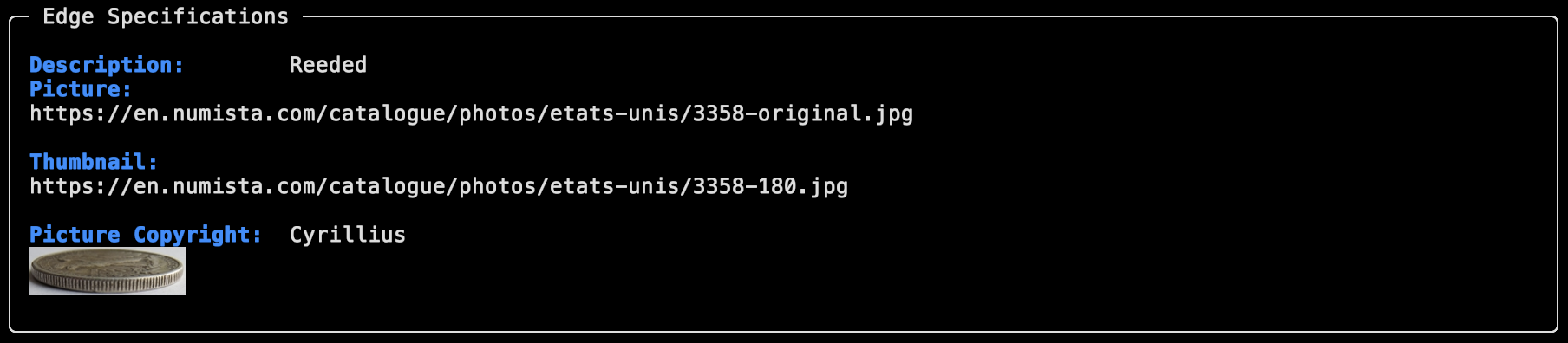
Edge type and inscription details.
§ 3 Catalogues Commands
List available reference catalogues.
List All Catalogues
numistalib catalogues [OPTIONS]
Alias: cat
Options:
-t, --table: Display in table mode
Examples:
# Panel mode (default)
numistalib catalogues

# Table mode
numistalib catalogues -t

# Using alias
numistalib cat
§ 4 Issuers Commands
List countries and entities that issue coins/banknotes.
List All Issuers
numistalib issuers [OPTIONS]
Alias: isr
Options:
--lang TEXT: Language (en,es,fr)-t, --table: Display in table mode
Examples:
# English (default)
numistalib issuers

# Spanish
numistalib issuers --lang es

# Table mode
numistalib issuers -t

# Using alias
numistalib isr
§ 5 Issues Commands
Get issues for a specific type.
List Type Issues
numistalib issues <type_id> [OPTIONS]
Alias: isu
Arguments:
type_id: Numista type ID (integer)
Options:
--lang TEXT: Language (en,es,fr)-t, --table: Display in table mode
Examples:
# Get all issues for a type
numistalib issues 95420

# French language
numistalib issues 95420 --lang fr

# Table mode
numistalib issues 95420 -t

# Using alias
numistalib isu 95420
§ 6 Mints Commands
Manage mint information.
List All Mints
numistalib mints list [OPTIONS]
Options:
--lang TEXT: Language (en,es,fr)-t, --table: Display in table mode
Example:
numistalib mints list
numistalib mints list --lang es -t
Get Mint Details
numistalib mints get <mint_id> [OPTIONS]
Arguments:
mint_id: Mint ID (integer)
Options:
--lang TEXT: Language (en,es,fr)
Example:
numistalib mints get 42
§ 7 Collections Commands
Manage user collections (requires OAuth).
List Collections
numistalib collections list <user_id>
Arguments:
user_id: Numista user ID (integer)
Example:
numistalib collections list 12345
Get Collection Items
numistalib collections items <user_id> [OPTIONS]
Arguments:
user_id: Numista user ID (integer)
Options:
--category TEXT: Filter by category--type INTEGER: Filter by type ID--collection INTEGER: Filter by collection ID
Example:
numistalib collections items 12345 --category coin
§ 8 Image Search Commands
Search by coin images (experimental).
Search by Image
numistalib image-search <image_path> [OPTIONS]
Arguments:
image_path: Path to image file (JPEG/PNG)
Options:
--category TEXT: Category (coin,banknote,exonumia)--max-results INTEGER: Maximum results (default: 100, max: 100)--lang TEXT: Language (en,es,fr)--experimental: Enable experimental features (year/grade detection)
Example:
numistalib image-search /path/to/coin.jpg
numistalib image-search coin.jpg --category coin --max-results 20
§ 9 Literature Commands
Get publication information.
Get Publication
numistalib literature get <publication_id> [OPTIONS]
Arguments:
publication_id: Publication ID (e.g., “L123456”)
Example:
numistalib literature get L123456
§ 10 Prices Commands
Get price estimates for issues.
Get Price Estimates
numistalib prices get <type_id> <issue_id> [OPTIONS]
Arguments:
type_id: Type ID (integer)issue_id: Issue ID (integer)
Options:
--currency TEXT: Currency code (ISO 4217, default: EUR)--lang TEXT: Language (en,es,fr)
Example:
numistalib prices get 95420 1 --currency USD
§ 11 Users Commands
Get user profile information.
Get User Profile
numistalib users get <user_id> [OPTIONS]
Arguments:
user_id: User ID (integer)
Options:
--lang TEXT: Language (en,es,fr)
Example:
numistalib users get 12345
Display Modes
Panel Mode (Default)
Displays detailed information in Rich panels:
numistalib types get 95420
Table Mode
Displays compact information in tables:
numistalib types search -q "dollar" -t
Use the -t or --table flag with any list command.
Cache Indicators
Every response shows a cache indicator:
💾 Cached: Served from local cache (fast, no API quota)
🌐 Fresh: Fetched from API (counts against quota)
Tips
Use short flags for quick commands:
numistalib types search -q "euro" -t
Combine filters for precise searches:
numistalib types search -q "commemorative" --issuer france --year "2010-2020"
Use aliases for frequently used commands:
numistalib cat    # Instead of 'catalogues'
numistalib isr    # Instead of 'issuers'
numistalib isu 95420  # Instead of 'issues 95420'
Check help for any command:
numistalib types search --help
Error Handling
The CLI provides clear error messages:
Authentication errors: Check your API key in
.envRate limit errors: Wait briefly; rate limits reset automatically
Invalid parameters: Use
--helpto see valid optionsNetwork errors: Retried automatically with exponential backoff
Next Steps
Python API Guide - Use the library programmatically
Configuration - Customize behavior
Advanced Usage - Complex scenarios